If
The If activity provides conditional branching in your workflow based on C# expressions that evaluate to true or false.
Purpose
Use the If activity to:
- Create conditional logic in workflows
- Branch execution based on workflow parameters or variables
- Implement decision points based on dates, values, or other conditions
Configuration
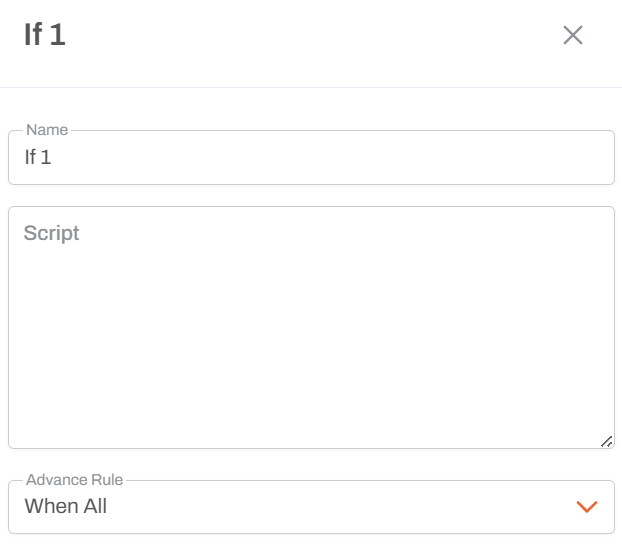
Condition Expression
- Write a C# expression that returns a boolean (true/false) value
- The expression is evaluated at runtime
- Only C# syntax is supported
Exit Paths
- Yes/True: Path taken when the condition evaluates to true
- No/False: Path taken when the condition evaluates to false
Example Expressions
Date-based Conditions
DateTime.Now.Year == 2026
Parameter-based Conditions
"{Year}" == "2026"
Note: {ParameterName} references a workflow parameter value
Numeric Comparisons
{Count} > 100
String Comparisons
"{Status}" == "Active"
Usage Notes
- Expressions are evaluated when the workflow execution reaches the If activity
- You can reference workflow parameters using the
{ParameterName}syntax - Parameters are replaced with their actual values at runtime
- Most commonly used with workflow parameters obtained from previous steps
- Keep expressions simple and readable for maintainability
Common Patterns
Year-based Logic
DateTime.Now.Year == 2026
Parameter Validation
!string.IsNullOrEmpty({ClientID})
Threshold Checks
{Amount} >= 1000