Login & Setup
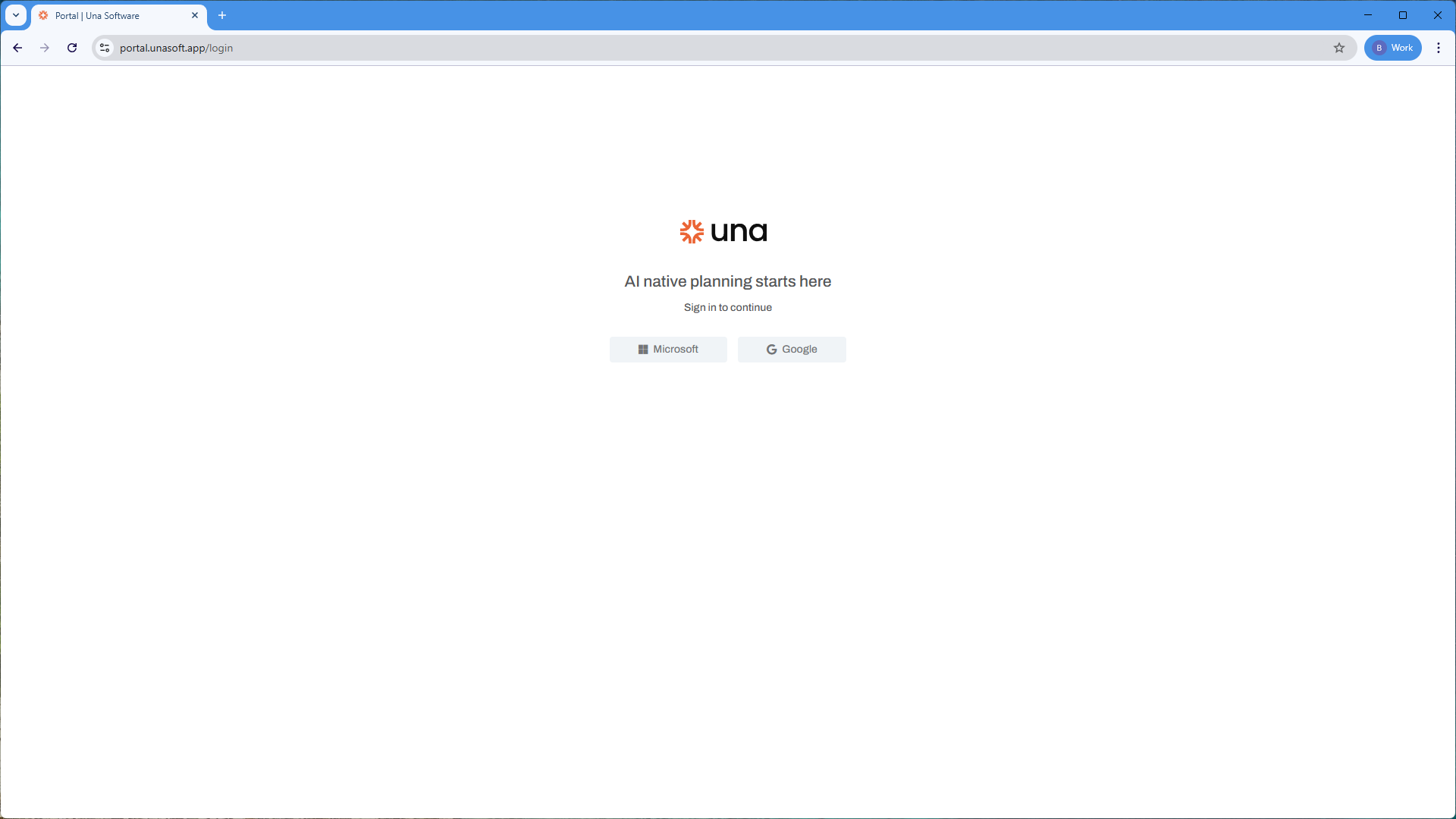
Una supports secure authentication using the Microsoft Authentication Library (MSAL). You can log in with either a Microsoft Entra ID or a Google account. The initial setup process varies slightly depending on your chosen provider. To login, navigate to the Una portal here.
Microsoft Entra ID
To log in with your Microsoft Entra ID, your administrator must provide your Azure Tenant ID.
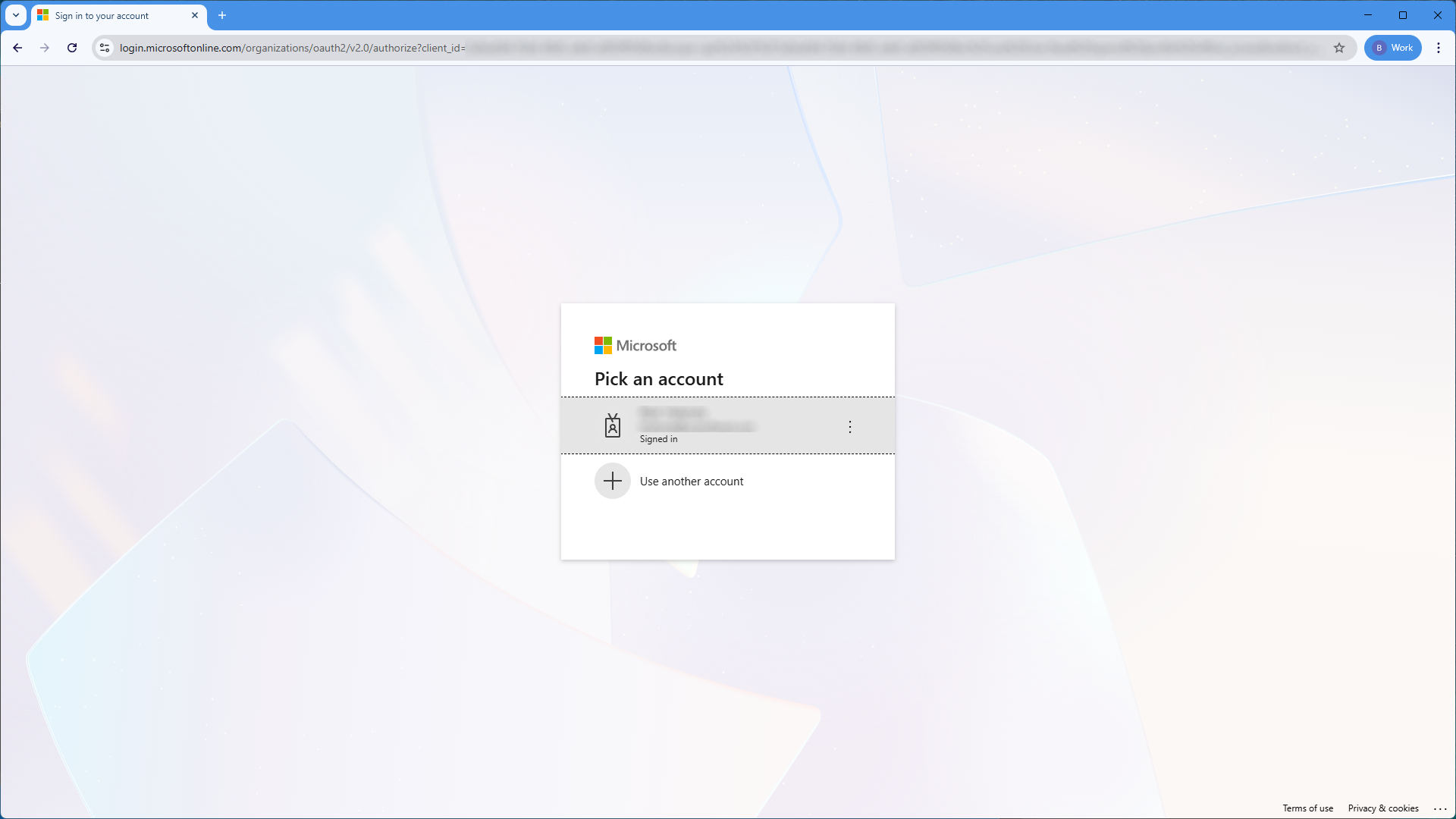
After your account is configured, click the "Microsoft " button. You will be redirected to the Microsoft authentication flow, where you can log in or select an existing account to continue.
Google Account
Una uses federated identity credentials for Google authentication.
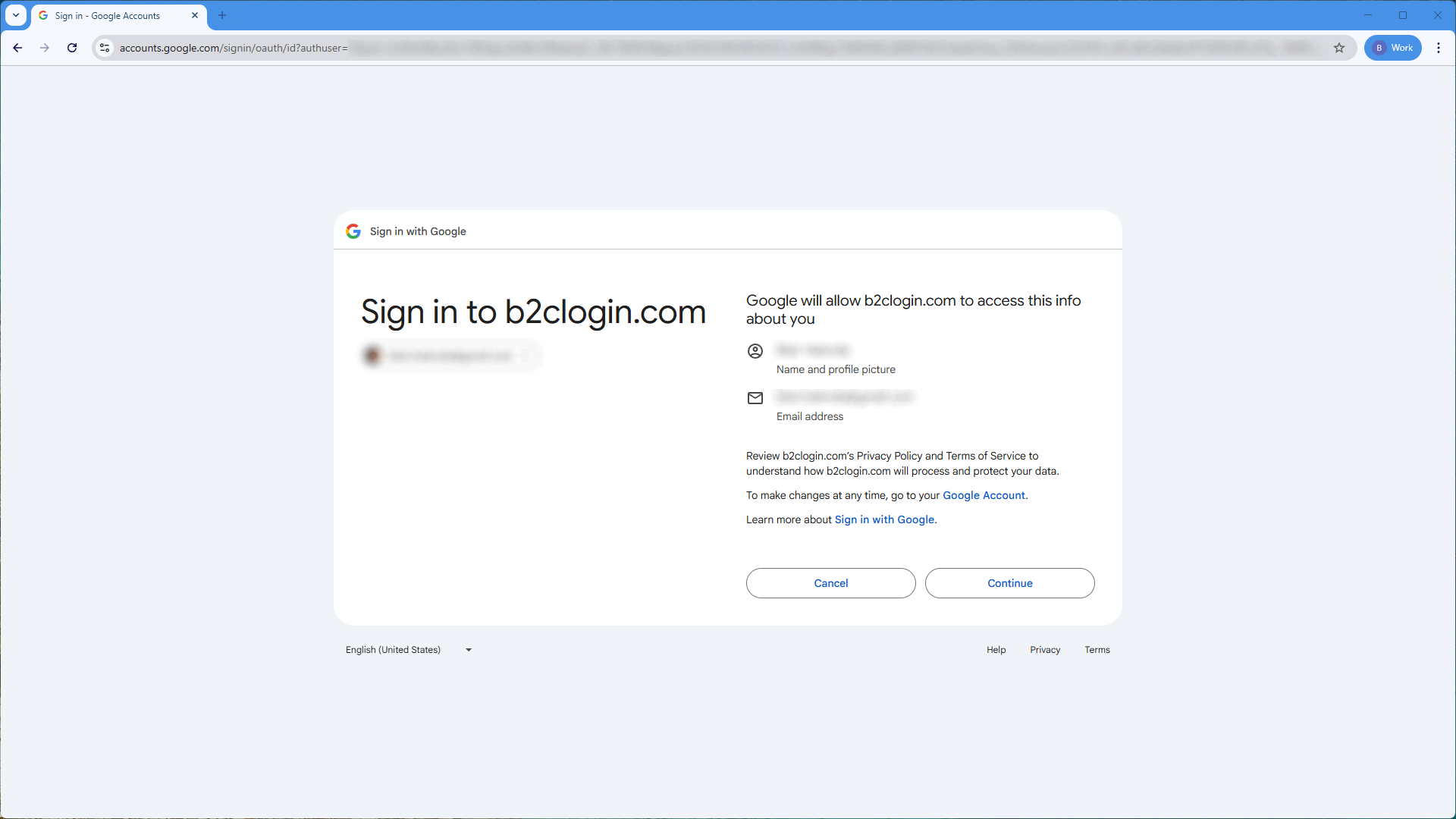
To log in with your Google account, click the "Google " button.
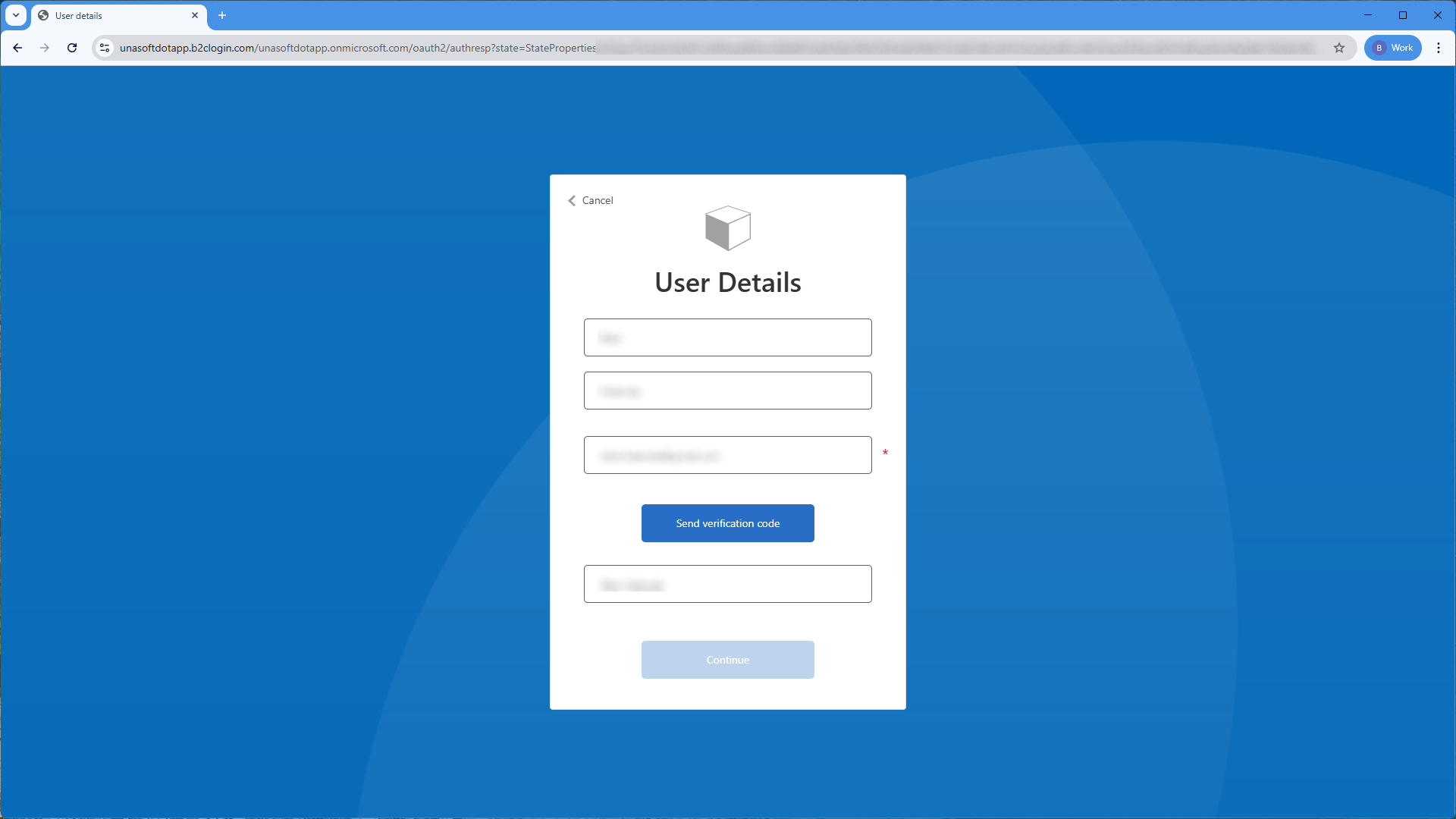
If this is your first time logging in, you may be prompted to complete the setup process: