Drillthrough
Drillthrough enables you to programatically link to other files or external URLs from within a matrix cell. You are able to use global, dashboard, or cell-specific context variables to create dynamic links.
How To
-
Open the matrix settings and navigate to the Data configuration of a Dataset space. Click on the Hyperlinks section.
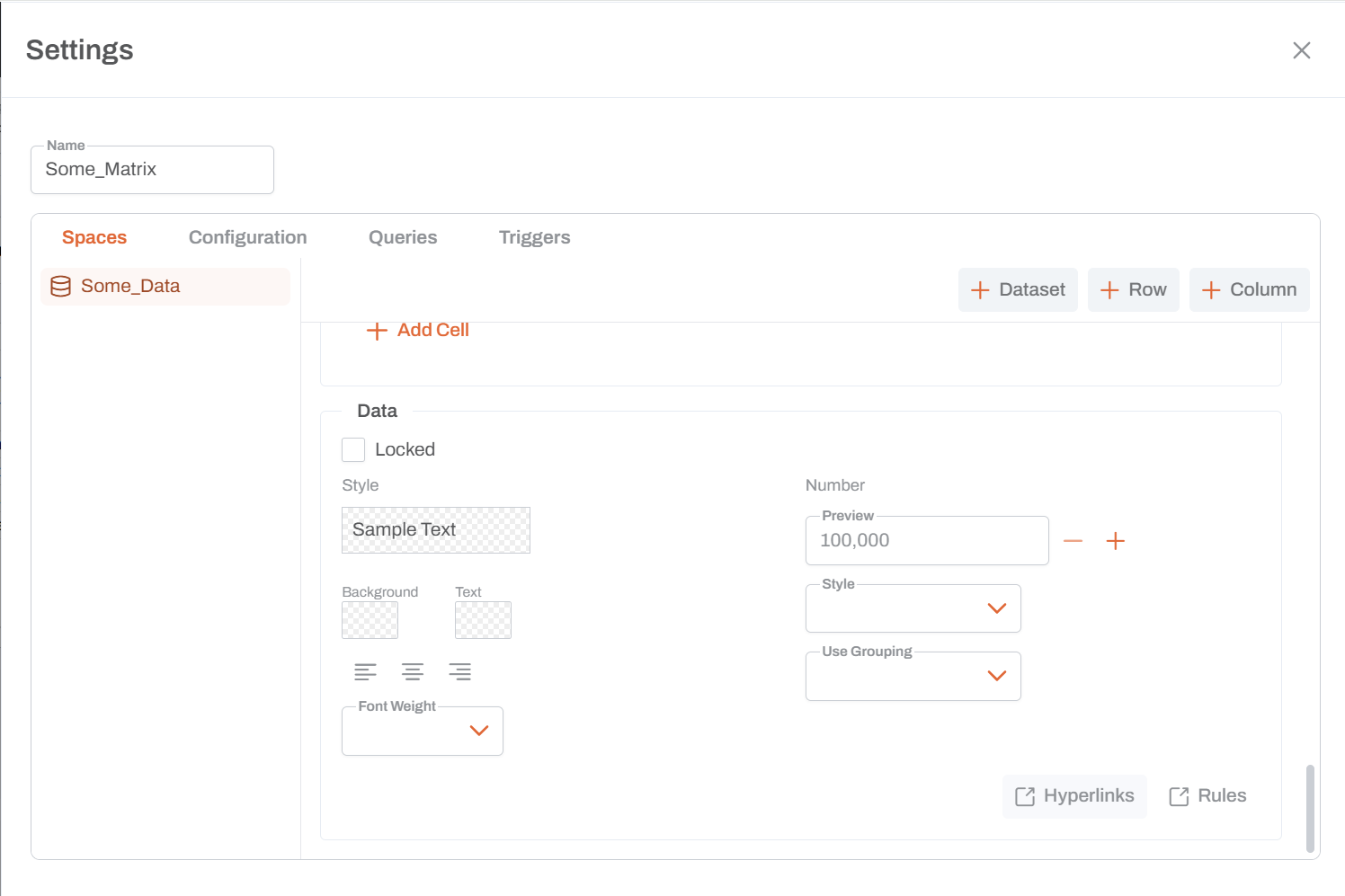
-
You will have two options for the type of hyperlink to create:
- Internal Link: Links to another documentation page within Una.
- External Link: Links to an external website or resource.
-
If you select Internal Link, you will be asked to provide the target page's path within Una.
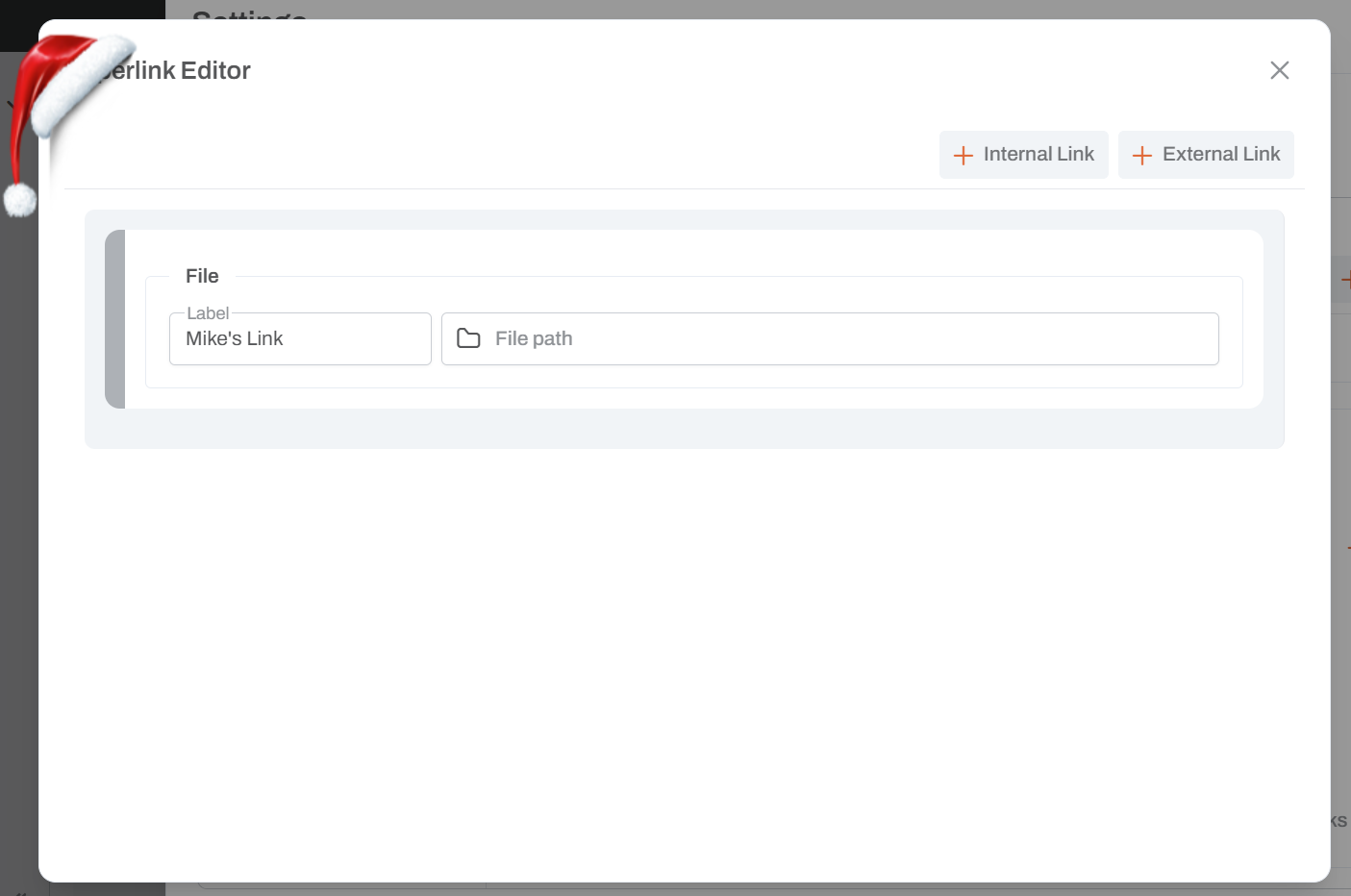
-
For more information on selecting a page path, see the page for --Link to File System Picker--