Filters and Filter Sets
Filters
Filters are used at a dashboard level to slice the data displayed in the dashboard widgets (eg. basic chart, table, matrix).
Filter Sets
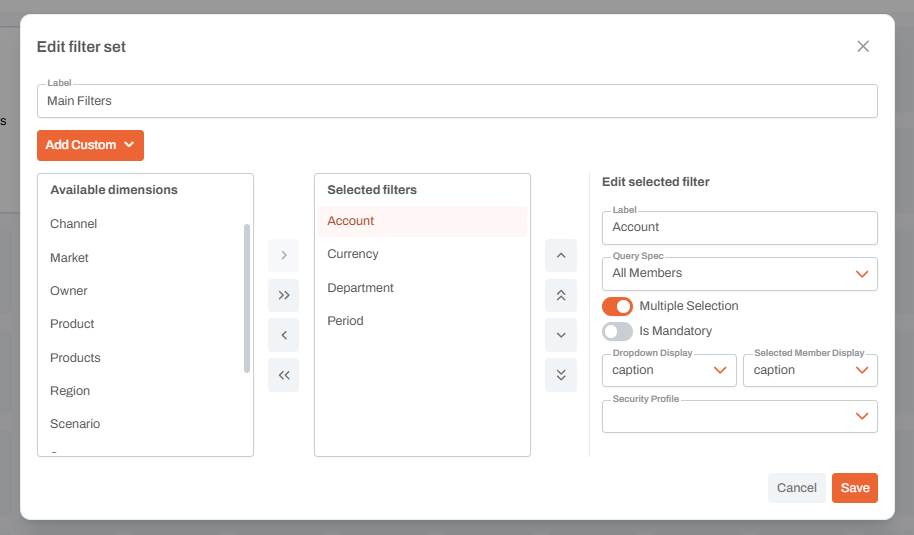
A filter set is a group of filters. Within dashboard widgets, filters can be applied by specifying the name and filter set. For example, we can have two charts tracking yearly financials, with one displaying an Account from the first filter set, eg. ARR, and the other chart displaying an Account from the second, eg. Revenue.

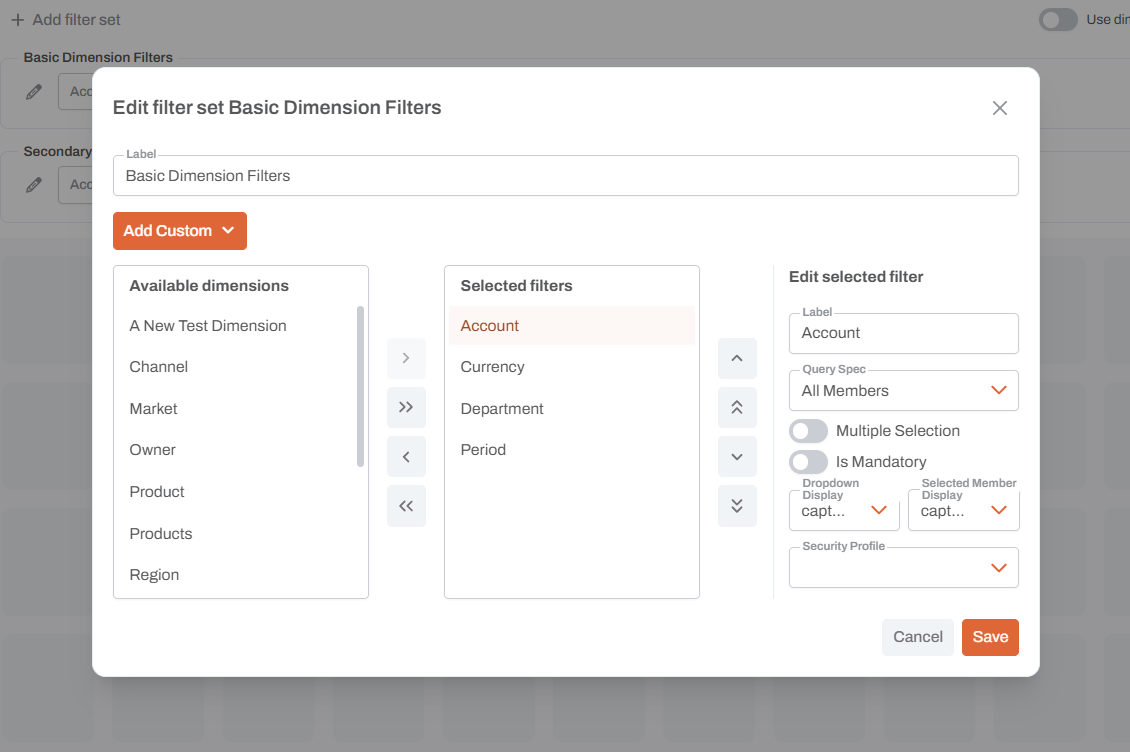
Basic Dimension Filter
The most commonly used filters are basic dimension type, which can be selected from dimensions available in the tenant. Certain addtional settings can be specified at this level, such as setting a custom label, specifying All Members or Leaf Members, and whether the display should be Name, Caption, or Key.
Custom Filters
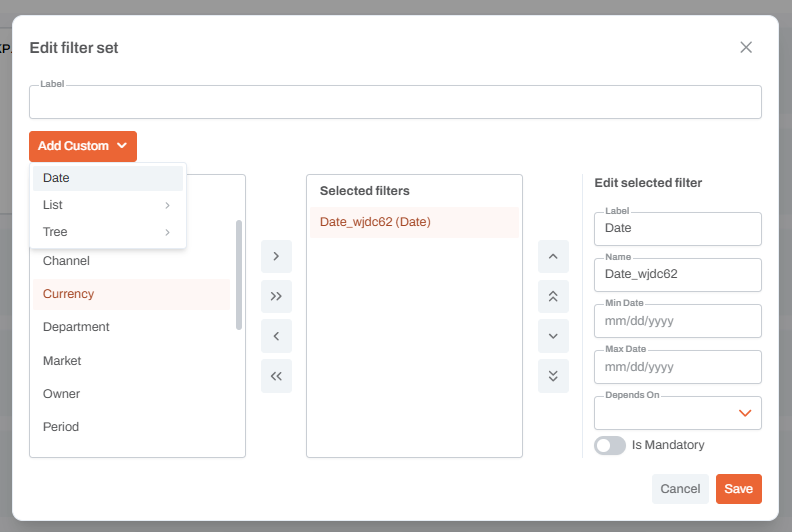
Click the edit button for a filter set, then click "Add Custom".
Date
Custom date filters are defined by a date range.
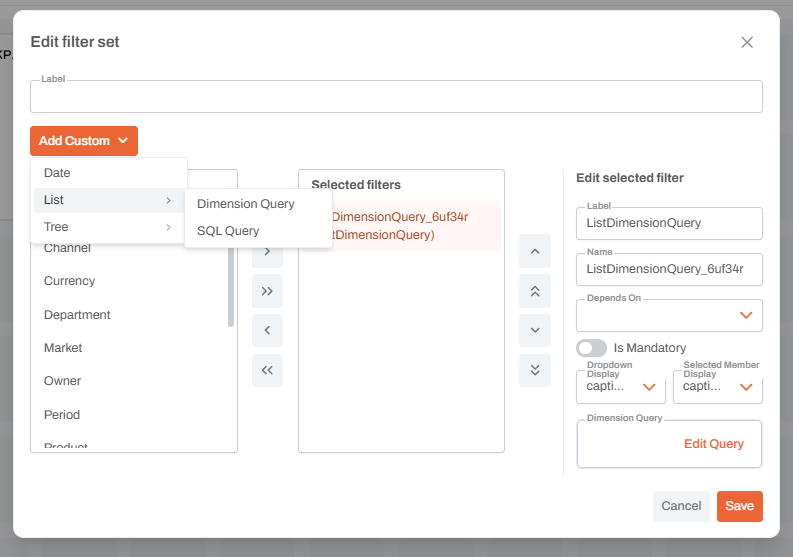
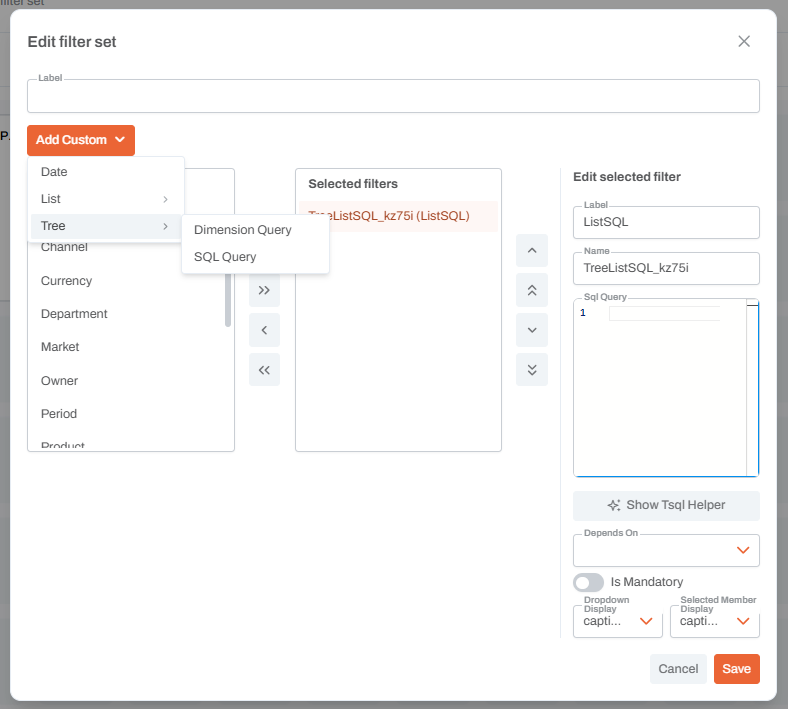
List and Tree
Custom list and tree type filters are defined by either a dimension query or a SQL query.